
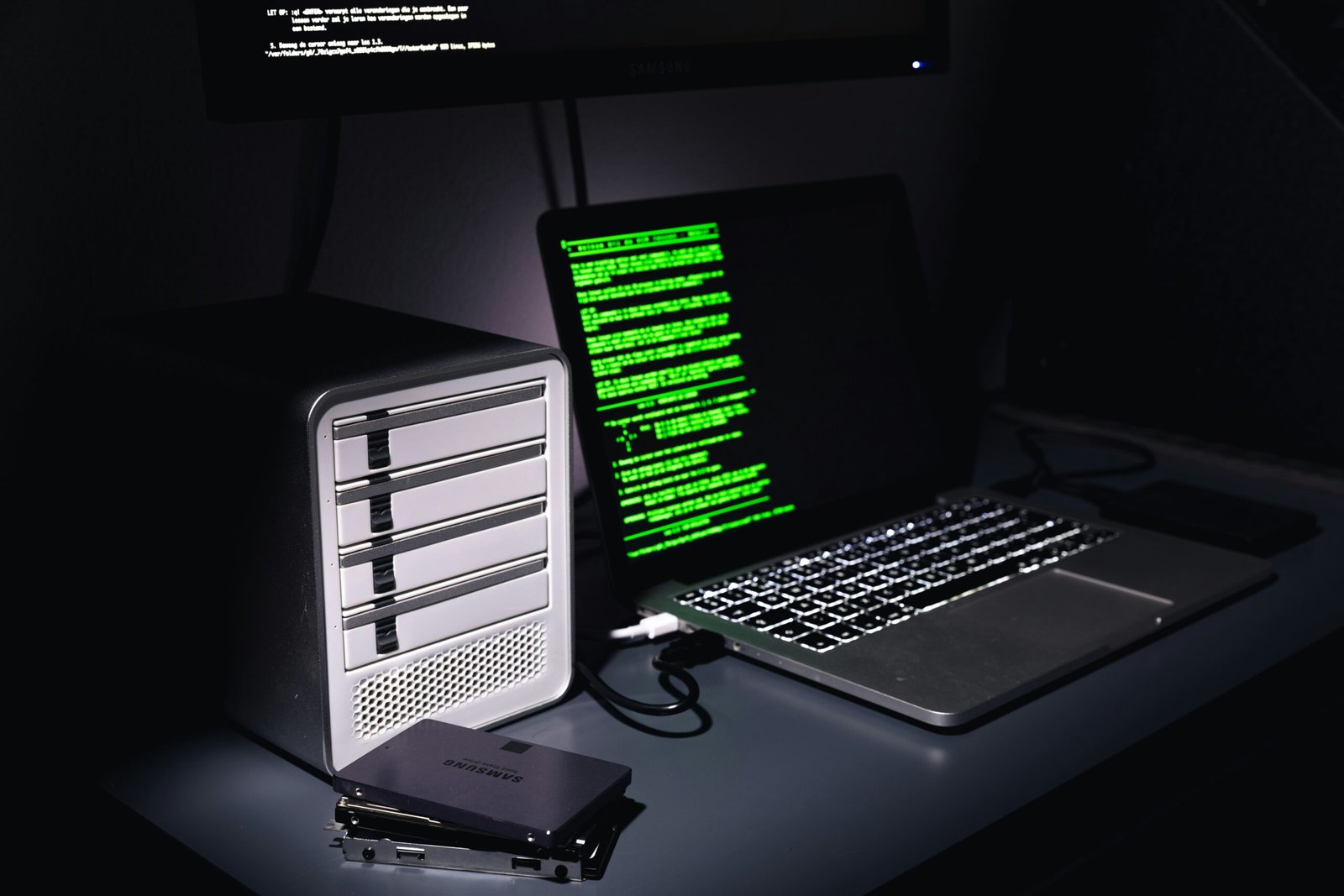
Photo by <a href="https://unsplash.com/@rohanphoto?utm_source=unsplash&utm_medium=referral&utm_content=creditCopyText">Rohan</a> on <a href="https://unsplash.com/photos/a-laptop-and-a-computer-ZoXCoH7tja0?utm_source=unsplash&utm_medium=referral&utm_content=creditCopyText">Unsplash</a>
In an era where cyber threats evolve daily, choosing the right computer security software is essential for both individuals and small businesses. A robust suite should guard against malware, ransomware, phishing, and zero-day exploits while remaining light on system resources. This article highlights top options across key categories and offers practical guidance on selecting and using security software.
Antivirus and Internet Security Suites: Core Defenses
- Windows Defender (Microsoft Defender): Built into Windows, it provides solid baseline protection with good performance and seamless integration. It’s a strong no-cost option for many users, especially when paired with sensible safe browsing habits.
- Norton 360: A well-rounded suite that combines antivirus, firewall protection, VPN, backup, and identity protection. It performs reliably, offers excellent parental controls, and has strong phishing protection.
- Bitdefender Total Security: Frequently praised for minimal system impact and powerful malware detection. The suite includes a secure browser, VPN, and anti-tracking features, making it suitable for security-conscious users.
- Kaspersky Total Security: Strong malware detection rates and a feature-rich package, though geopolitical considerations may influence adoption in some regions.
Lightweight Security software Tools: Essential but Non-Intrusive
- ESET NOD32 Antivirus: Known for low system overhead and high detection accuracy. It’s a solid choice for older machines or users who want quiet protection.
- Malwarebytes Premium: Excellent as a supplemental layer to catch potentially unwanted programs (PUPs) and adware that traditional antiviruses miss. Useful for targeted scanning and on-demand protection.
- Avira Prime: Combines strong malware protection with a range of extra tools such as a VPN and password manager, often at a competitive price.
Total Security for Small Businesses: Comprehensive Coverage
- Sophos Home Premium: Provides business-grade features like centralized management and strong ransomware protection, suitable for small offices or remote teams.
- Bitdefender GravityZone (for business): Offers scalable protection across endpoints, servers, and virtual environments with advanced threat intelligence.
- Cisco Secure Endpoint: Geared toward organizations needing robust endpoint protection with integrated incident response capabilities and threat analytics.
Identity Protection and Privacy Tools
- Dashlane, 1Password, and LastPass: Password managers that securely store credentials and facilitate multi-factor authentication (MFA) workflows.
- Privacy-focused VPNs (e.g., Mullvad, Proton VPN): Helpful for encrypting online activity, especially on public Wi‑Fi networks.
- Two-factor authentication (2FA) apps (e.g., Authy, Google Authenticator): Critical for securing accounts beyond passwords.
Features to Look For in a Security Suite
- Real-time protection and automatic updates: Keeps signatures and heuristics current.
- Ransomware protection and rollback capability: Prevents unauthorized file changes and can restore encrypted files.
- Phishing and web protection: Blocks malicious sites and phishing attempts in the browser.
- Firewall and network security: Monitors inbound/outbound traffic and can block suspicious activity.
- Performance impact: Look for lightweight solutions that don’t slow down everyday tasks.
- Parental controls and device management (if relevant): Useful for families and small businesses with shared devices.
- Privacy and identity features: VPN, password manager, breach monitoring, and dark web scanning.
Best Practices for Maximizing Security
- Keep software and OS up to date: Install patches promptly to close vulnerabilities.
- Use MFA wherever possible: Adds a critical extra layer of defense.
- Practice safe browsing: Avoid suspicious links, especially in email and social media.
- Regular backups: Maintain offline or cloud backups to recover from ransomware or data loss.
- Layered security: Use a combination of antivirus, firewall, and anti-phishing tools for comprehensive protection.
Conclusion
There isn’t a one-size-fits-all “best” security solution; the right choice depends on your needs, device count, and risk level. For most home users, a reputable antivirus or internet security suite from a trusted vendor, supplemented with a password manager and a VPN, provides strong protection without excessive hassle. Small businesses may require more centralized management and advanced threat features. Assess your devices, prioritize features that match your threats, and invest in a solution that is easy to maintain and update.
About the Author






1 thought on “Best computer security software”